
jitabet app: what the phone version does in Bangladesh
The jitabet phone site opens in Chrome or Safari. The sportsbook, casino lobby and cashier sit behind one login. No install, no update.
jitabet app: what you get on a phone
jitabet is a mobile page in the phone browser. Android and iPhone see the same lobby: cricket and football markets, slot tiles, live dealer tables and the cashier. You do not sideload a file, and the version matches the desktop site. A home screen shortcut hides the address bar and opens the login in one tap. That is what most people want from the jitabet app download. The address is the one from your laptop. Save a bookmark there and it opens the one-column layout after you sign in on the handset. One account, one verification round, two screens.
Phone version: what works, what does not
- Your account works on phone and laptop, with the same balance and open bets.
- Tap the home screen icon and the lobby opens; it never asks you to update.
- Cricket odds update live without a page reload.
- You reach the cashier from the sportsbook menu.
- A phone sign-up carries the same welcome deal: 500% up to ৳100K and 150 free spins.
- When 4G drops, the page still loads on a slow 3G connection.
- You will not find it on Google Play or the App Store, which also means no store updates or review history.
- A long live-betting session uses more data.
- On a small screen, market columns hide, so Asian handicaps and correct score take extra taps.
- You must clear the bonus playthrough before you withdraw that money.
How the jitabet phone version works on Android and iPhone
Chrome on Android and Safari on iPhone load the full site. The page fits one column: markets stack under every match, casino games sit in a tile grid, and the cashier keeps the desktop buttons.
Once pinned, the shortcut stays. On Chrome, tap the three dots and choose Add to Home screen. On iPhone, tap Share and then Add to Home Screen. The icon opens jitabet right away; a saved password skips the form.
| Phone | Browser | How to pin it |
|---|---|---|
| Android | Chrome | Menu, Add to Home screen |
| iPhone | Safari | Share, Add to Home Screen |
| Android, older model | Chrome, updated | Menu, Add to Home screen |
Live betting eats data. Odds refresh during play, so a long T20 or a Premier League evening uses more than an afternoon of pre-match reading. Do research on Wi-Fi and save mobile data for the overs you care about.
Battery is the other cost of a long session. Leave the screen at full brightness, with odds refreshing and the score ticker running, and a mid-range phone will drain before the second innings ends. Keep a cable within reach for evening kick-offs.
- Pre-match football and cricket are fine on the handset.
- Correct score and Asian handicap grids are easier on a laptop.
- During a T20, take live odds one market at a time, then switch.
An older handset can still cope if the browser is up to date. The signal slows the page, not the chip. On 3G the live score drops first, then the prices. Stick to bigger markets and wait for 4G.
Where the phone version falls short
Small screens cut market columns. Asian handicaps and correct-score lists need a tap to open, and a six-inch display cannot show two matches side by side. Do that on a laptop.
How the 500% welcome bonus works on mobile
Phone and laptop users see the same welcome offer: 500% up to ৳100K, plus 150 free spins. Sign up on the handset and enter promo code fun_2429 in the form. The bonus is credited after your first deposit.
The bonus is credit, not cash, and it comes with playthrough rules. The jitabet bonus page shows which games count toward clearing it. Check that list before you spend the balance.
- Enter the code on the registration form, not at the cashier.
- Clear playthrough before you withdraw any bonus money.
On a phone, registration fits one screen: phone number, password, currency and then the code. The jitabet registration page explains each field if you want to check first.
Deposits and withdrawals are in the cashier. Choose the option you already use on the handset, confirm the amount and stay on the tab until the confirmation appears. The jitabet payments page lists every method.
Your first withdrawal may need a photo of your national ID. Take it in daylight with all four corners visible and no flash glare on the laminate. A dark, angled shot comes back and adds a day to the wait.
Casino games open in the same tab. Slot tiles load quickly. Live dealer tables take longer because the feed needs a steady connection, so wait a few seconds before you tap again.
Set one limit early: 18+ only. A deposit cap saved in account settings works better than a decision at midnight. Leave the cap where it is, even in a winning week.
Cricket is busiest from Friday afternoon, when domestic T20 leagues and international tours overlap. For the hours between matches, the jitabet casino page covers the other side of the lobby.

With a fair signal, the setup finishes in roughly three minutes. You will not open a file manager or change a settings toggle.
An older Android phone also works if the browser is current. If the page will not load, try mobile data once before you decide the site is down.
Getting from a browser tab to a home screen icon
-
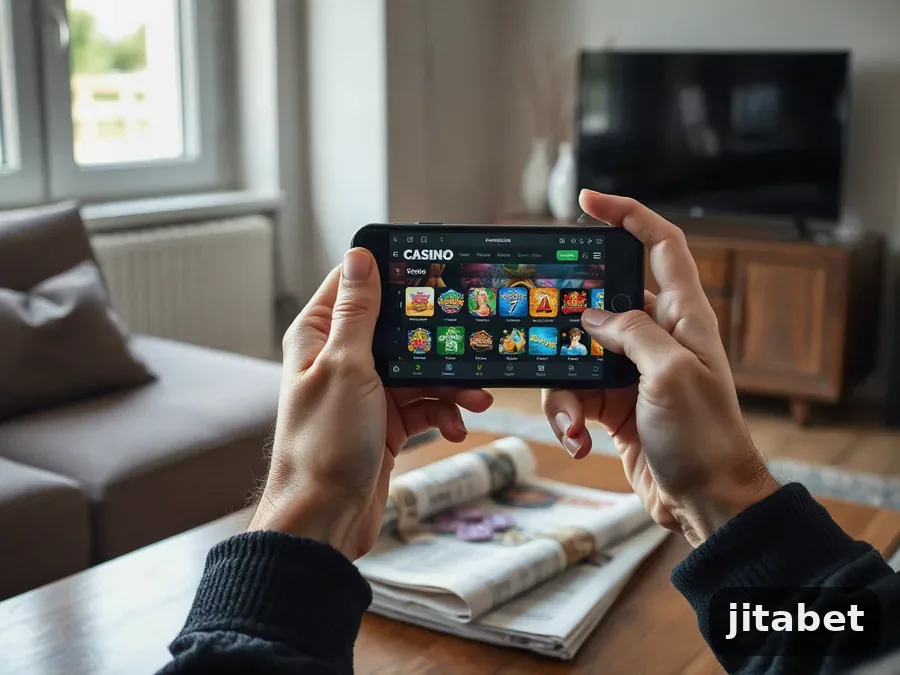 1Open jitabet in your phone browserType the address in Chrome or Safari and let the lobby load. For the first visit, use Wi-Fi; the casino tiles are the heaviest part of the page.
-
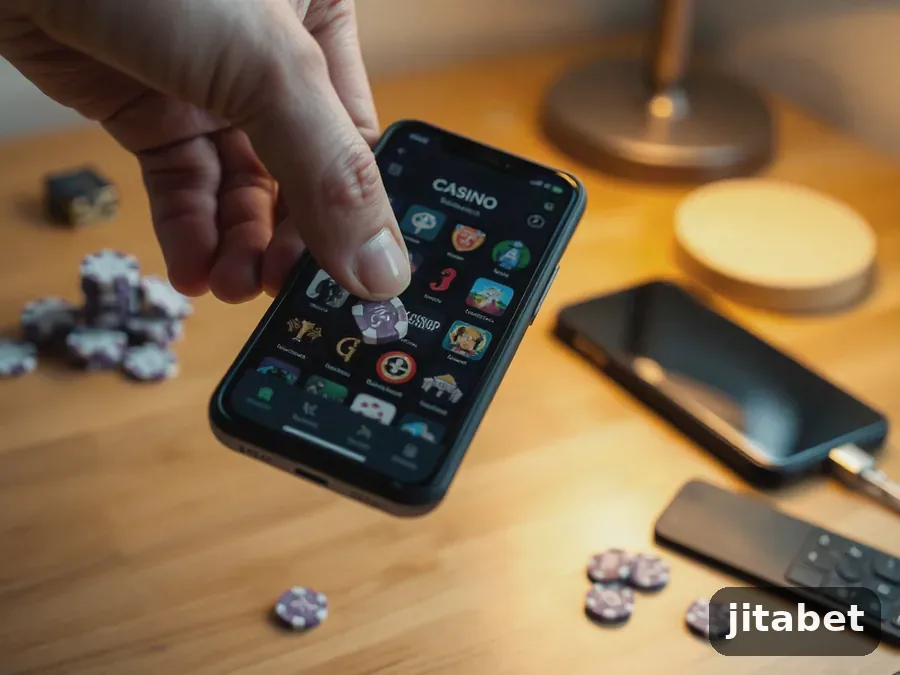 2Pin the shortcut to your home screenOn Chrome, use the three dots and Add to Home screen. On iPhone, tap Share and Add to Home Screen. The icon is named jitabet and opens the login page, not a marketing page.
-
 3Register or log inNew sign-ups enter a phone number, a password and promo code fun_2429. If you already have an account, log in with the username and password you use on a laptop.
-
 4Deposit from the cashierGo to the cashier, pick a payment method and confirm the amount. Stay on the page until the confirmation appears. Before you use bonus funds, read the playthrough terms.
Questions players ask about betting on a phone
Do I need to install a file to bet on jitabet from my phone?
No. It runs in the phone browser, and the shortcut on your home screen works like an app icon. You skip the download, and nothing needs updating when the lobby changes.
Do I use the same password for jitabet app login as on desktop?
Yes, the same account works on phone, tablet and laptop. If the password fails on your handset, see whether the keyboard added a capital or a space, then use the reset link.
Is the welcome offer smaller on the phone?
The package is the same: 500% up to ৳100K plus 150 free spins, and you enter the code fun_2429 in the mobile registration form. Playthrough conditions apply to the bonus amount on both devices.
How much data does live cricket use on the phone?
More than checking markets before the toss, since the odds refresh through the whole match. A full T20 on mobile data is fine on a modern package, but a long session is cheaper on Wi-Fi.
What can I do if the page freezes during a live bet?
Check bet history first, before you tap twice. The bet is usually matched even if the screen lags, and a second attempt can leave two open positions on the same market.
Can the phone stay open while the match plays on TV?
That is how most people here use it: TV for the picture, phone for the price. If the number on your screen looks older than the commentary, refresh the market, because live prices move between balls.
What happens to open bets when the battery dies?
They stay on the server. The bet settles when the market closes, no matter what the phone is doing, and bet history shows the result the next time you log in. Changing handsets does not affect it either.
Is public Wi-Fi safe enough to use the cashier?
Reading prices at a tea stall is one thing. Typing a password and confirming a withdrawal is another. Use mobile data for anything that touches your balance, and sign out before you hand the phone to someone.